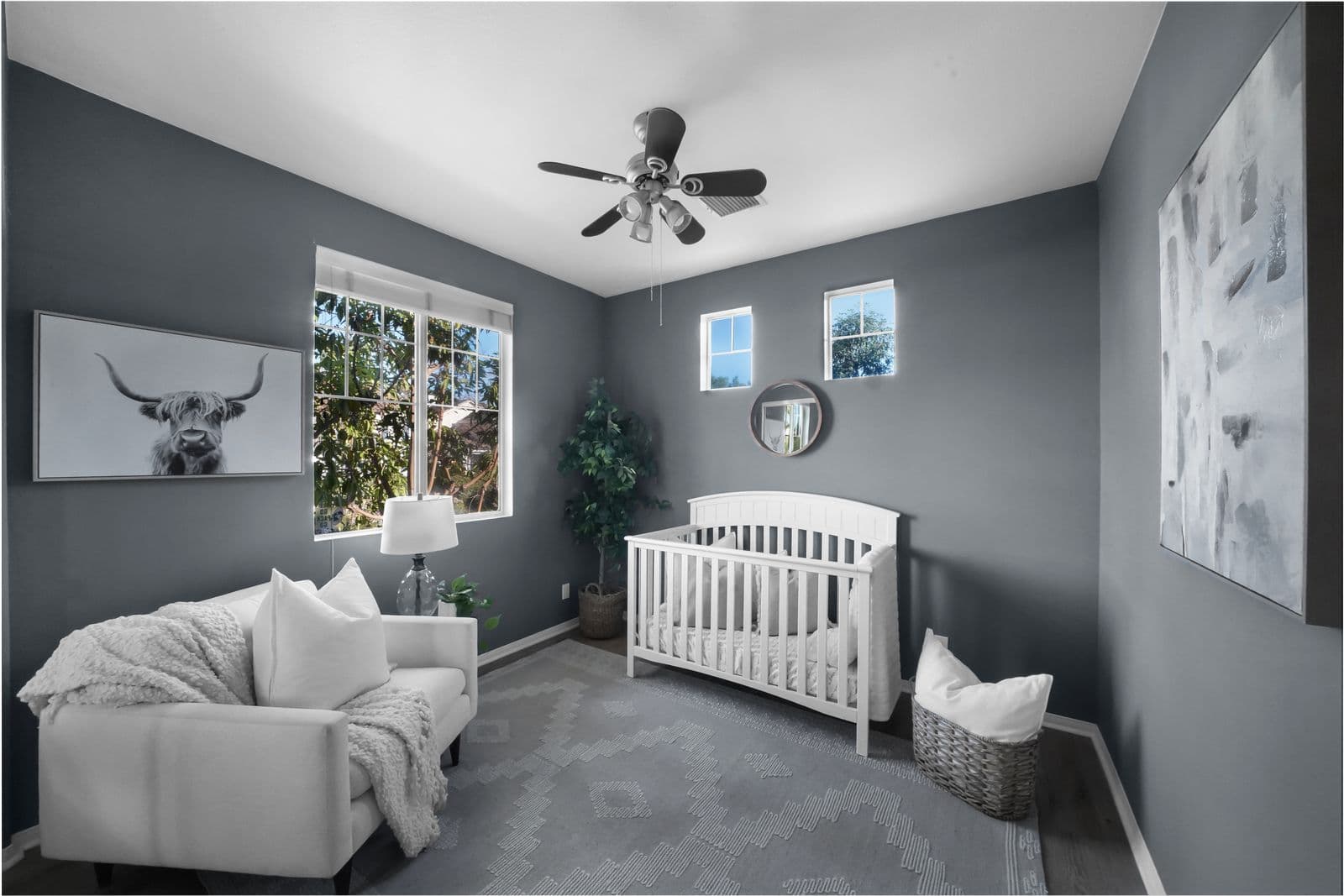
Baby Monitor Range in a House With Thick Walls
Dropped connections are almost never a camera fault. Here is what actually blocks the signal, how to test it in ten minutes, and the fixes in order of cost.
- Writer, standards and the recall record
- May 11, 2026
- Updated Jul 28, 2026
- 9 min read
In this guide
The most common one-star review in this entire category says some version of the same thing: the picture buffers, the app says the camera is offline, and it happens in the nursery and nowhere else in the house. It reads like a defective product and it very rarely is one. It is a radio problem, and radio problems are fixable in a way that faulty cameras are not.
Here is what is actually going on, and what to do about it in order of what it costs.
What blocks a signal, ranked
Not all walls are equal, and the gap between the best and worst case is much wider than most people expect. A useful mental model is that every obstacle takes a bite out of the signal, and the bites are cumulative.
Plasterboard and timber studs. Barely matters. Two or three of these between the router and the camera is a normal, workable house.
Solid brick or stone. A serious obstacle, and this is where most of the problem lives. One brick wall costs you far more than three stud walls, and older properties often have several.
Concrete, especially reinforced. Worse again. The steel reinforcement in a concrete floor makes an upstairs nursery above a ground-floor router a much harder link than the same distance horizontally.
Foil-backed insulation. The one almost nobody considers. Foil-backed plasterboard and foil-faced insulation behave like a metal sheet at 2.4GHz, and a nursery in a converted loft or a recently insulated extension can be close to a sealed box. If the signal falls off a cliff at one specific doorway, this is usually why.
Mirrors, radiators, metal-framed furniture and appliances. Individually minor and collectively significant. A large mirror on the wall between the router and the nursery is a real, measurable loss.
Water. Aquariums, hot water tanks and, unhelpfully, people. This is why the signal is often worse in the evening when everyone is home.
The other half of the problem is congestion rather than obstruction. In a flat with twenty neighbouring networks visible, the 2.4GHz band is crowded, and a camera streaming video continuously is competing for airtime with every phone, speaker and doorbell in the building. That produces stuttering rather than disconnection, and it clusters in the evening.
Test it in ten minutes, before you buy anything
Do not start replacing hardware until you know which problem you have. Two tests answer it.
The signal test. Stand where the camera is, or will be, holding your phone at that exact height and position. Run a speed test. Then walk back towards the router, running it again in the hall outside the nursery, and again in the room with the router. You are looking for where the number falls off. A gentle decline is distance. A cliff between two points is a specific wall, and that wall is your problem.
The time test. Run the nursery test again at 8pm on a weekday. If the result is fine in the afternoon and poor in the evening, the problem is congestion rather than obstruction, and the fix is different.
Write down the numbers. A camera needs a genuinely usable link, not a bar on an icon, and the phone icon is an unreliable guide because a phone will happily show three bars on a connection that cannot carry continuous video.
The fixes, cheapest first
Move the router. Cost: nothing.
Routers end up wherever the incoming line entered the house, which is usually a corner, and a corner is the worst possible place for something radiating in all directions. Moving it to a more central spot, up off the floor, out of a cupboard and away from the microwave, is free and routinely doubles the usable range. If the line entry limits you, a longer cable to the router is still cheaper than everything below.
Move the camera. Cost: nothing.
The camera does not have to sit where you first pictured it. Moving it a metre towards the door, away from a radiator, or onto a shelf instead of the floor can be the difference. The constraint is that overhead and cot-side cameras have a required geometry for their tracking features to work, so check the manual before you relocate one. A camera in a better spot with worse framing is a bad trade if framing was why you bought it.
Switch bands deliberately. Cost: nothing.
Most connected cameras are 2.4GHz only, which is the right band for this job because it travels through walls far better than 5GHz. If your router publishes both bands under one name, the camera will normally find the right one, but a router that aggressively steers devices to 5GHz can leave a camera stranded. Splitting the two bands into separate network names and joining the camera to the 2.4GHz one by hand is a five-minute change that solves a surprising number of cases.
If the problem is congestion rather than walls, change the 2.4GHz channel. Channels 1, 6 and 11 are the non-overlapping ones. A Wi-Fi analyser app will show you which of the three your neighbours are least crowded on.
Add a mesh node. Cost: moderate, and this is the real answer.
For a house with solid walls, a mesh node is the fix. It is not a range extender in the old sense, which halved throughput and created a second network to fall off; a modern mesh system runs one network name and hands devices between nodes.
The placement rule that matters: put the node outside the nursery, in the hall, roughly halfway between the router and the camera. Not in the nursery. A node needs a strong link back to the router to be worth anything, and a node placed on the far side of the problem wall inherits the same problem. It also keeps one more powered radio out of the room, which some parents care about and all parents can achieve for free by putting it in the hall anyway.
Run a cable. Cost: moderate, and it is permanent.
If the nursery has an ethernet point, or you are willing to run one, a mesh node connected by cable and broadcasting locally removes the problem completely rather than mitigating it. Powerline adapters are the compromise version and their performance depends entirely on your wiring, which means they are worth trying and not worth planning around.
Change the monitor. Cost: the price of a monitor.
If the walls win, they win. A DECT monitor talks straight to its own handheld on a reserved band with no router in the path, and in a stone-walled house it will simply work where a connected camera will not. This is the honest answer for a meaningful number of homes, and the full comparison is in Wi-Fi versus DECT monitors.
What not to bother with
Aluminium foil reflectors behind the router. This has been circulating for years. It can marginally shape a signal in one direction at the cost of every other direction, and in a house where you also want coverage elsewhere it is a bad trade.
A second router in bridge mode, unless you know exactly what you are doing. It usually produces two networks that devices refuse to hand between, which turns an intermittent problem into a permanent one.
A more expensive camera. The radio is not the part that scales with price. A premium camera on a marginal link performs like a cheap camera on a marginal link, and you have spent the money that would have bought the mesh node.
The sequence, condensed
Test the nursery with a speed test at the camera's exact position, in the afternoon and again at 8pm. Move the router before you buy anything. Split the bands and pin the camera to 2.4GHz. Add one mesh node in the hall between router and nursery. If none of that lands you somewhere usable, the house has told you it wants a DECT monitor, and buying one is not a defeat.
Everything above is about the link rather than the device, which is why it is worth doing before you spend on a camera at all. The picks themselves, and which ones lean hardest on your network, are in our baby monitor roundup, and the question of what a monitor is actually for is covered in do breathing monitors reduce SIDS risk. The rest of the room, including the sound machine that will be sharing the outlet, sits under Nursery Essentials.
Questions people actually ask
How much bandwidth does a baby monitor actually need?
Far less than people assume, typically low single-digit megabits for a 1080p stream. The problem is almost never total bandwidth and almost always signal strength at the camera, which is why a household with fast broadband can still have an unusable monitor in one room.
Why does it work in the day and fail at night?
Two reasons that stack. Evening is peak congestion on the 2.4GHz band in any building with neighbours, and it is also when the house is full of people and running devices. If the failure is strictly time-based rather than location-based, congestion is the cause and changing channel is the first thing to try.
Is a range extender the same as a mesh node?
No, and the distinction matters. A traditional extender rebroadcasts on the same radio, roughly halving throughput, and usually creates a second network name that devices cling to badly. A mesh system runs one network and hands devices over properly.
Should the mesh node go in the nursery?
No. Put it in the hall outside, between the router and the camera. A node on the far side of the wall that is causing the problem has the same weak link back to the router that the camera did, and it will not help.
Does the camera being 2.4GHz mean it is old technology?
It means it is the right technology for this job. 2.4GHz penetrates walls considerably better than 5GHz, and a nursery camera needs range far more than it needs peak throughput. A camera restricted to 2.4GHz is usually a deliberate choice rather than a cost saving.
Sources
- FCC Order 10-77, on DECT and the 1.9GHz band
- Wi-Fi Alliance, Wi-Fi in the home
- Nanit product specifications (nanit.com)
- Miku Pro product specifications (mikucare.com)
As an Amazon Associate we earn from qualifying purchases. We earn a commission on some links, at no extra cost to you. It never changes which products we recommend or the order they appear in. Full disclosure

Who wrote this
Writer, standards and the recall record
Dan Whitfield writes the standards side of BabyGearSearch: what a certification actually covers, what the CPSC recall database says about a brand, and what the one-star reviews agree on six months in. He is not a clinician and does not write as one. His job is to read the standard rather than the marketing page, quote the real number, and name the limit the packaging skipped.
More from DanThe standard
How this guide was built
- Manufacturer specification sheets and warranty terms, read in full rather than summarised from a listing.
- The federal safety standard the product is certified to, plus anything NHTSA, the AAP or the CPSC has published on it.
- Owner reports at volume, including the one-star reviews, which is where failure modes live.
- Every price checked against the live listing on the date printed beside it.